
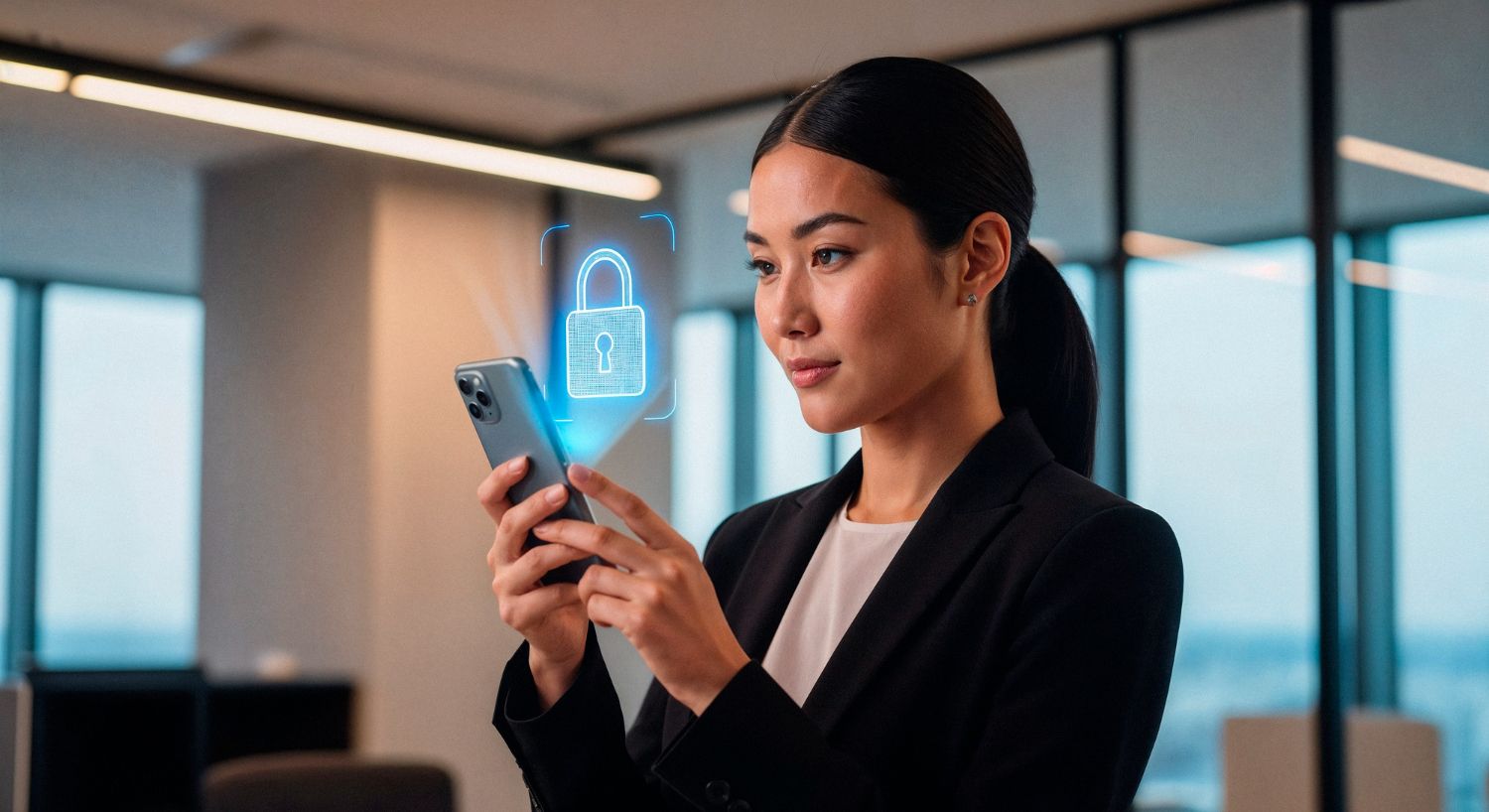
Two-Factor Authentication: The Essential Guide to Securing Your Digital Identity
Implementing Two-Factor Authentication (2FA) has become the single most effective way to protect your personal and professional accounts from the growing threat of cyber-attacks. In an era where data breaches occur daily, relying solely on a password is a dangerous gamble. Passwords can be guessed, phished, or stolen through brute-force attacks. However, when you enable 2FA, you add a secondary layer of defense that requires a unique piece of information only you possess. This guide explores the mechanics of this security measure, the different types available, and why every internet user should prioritize it to safeguard their digital footprint.
How Two-Factor Authentication Works
At its core, Two-Factor Authentication relies on the principle of combining two different types of credentials. Security experts generally categorize these into three “factors”: something you know (like a password), something you have (like a smartphone), and something you are (like a fingerprint). By requiring two of these categories, you ensure that even if a hacker steals your password, they still cannot access your account without the second factor.
As the demand for digital safety grows, so does the need for skilled professionals who can implement these systems. Many individuals are now exploring Career Opportunities in Cyber Security because companies are desperate for experts who understand how to deploy and manage robust authentication frameworks. These professionals work behind the scenes to ensure that multi-factor systems remain user-friendly while maintaining the highest levels of encryption and security.
The Strategic Importance of 2FA in Modern Business
For organizations, 2FA is not just a personal convenience; it is a critical component of corporate governance and data protection. When employees use weak passwords or reuse them across multiple platforms, they create massive vulnerabilities that hackers can easily exploit. One compromised set of credentials can lead to a devastating data breach, resulting in financial loss and reputational damage.
Therefore, businesses must integrate 2FA into their broader framework for Cybersecurity Risk Management. By mandating secondary authentication for internal systems and remote access, companies significantly reduce the likelihood of successful phishing attacks. This proactive approach allows organizations to identify potential threats before they escalate into full-scale crises, ensuring that sensitive data remains encrypted and inaccessible to unauthorized parties.
Common Types of Two-Factor Authentication
Not all 2FA methods offer the same level of security. Depending on the platform and your personal preference, you might encounter several different versions. Here is a breakdown of the most common methods used today:
1. SMS Text Message Codes
This is the most widely used method. After entering your password, the service sends a one-time code to your mobile phone via SMS. While convenient, this method is susceptible to “SIM swapping” attacks, where hackers trick mobile carriers into redirecting your messages to their devices.
2. Authenticator Apps
Apps like Google Authenticator, Microsoft Authenticator, or Authy generate time-based one-time passwords (TOTP). These codes change every 30 seconds and do not require a cellular connection, making them significantly more secure than SMS-based codes.
3. Hardware Security Keys
Devices like YubiKey provide the highest level of security. You physically plug the key into your USB port or tap it against your phone via NFC. Since a hacker would need physical possession of the key to bypass the security, this method is nearly impossible to hack remotely.
4. Biometric Verification
This method uses your unique physical characteristics, such as your face, fingerprint, or iris, as the second factor. Most modern smartphones use biometrics to unlock the device and authorize sensitive transactions.
Comparison Table: 2FA Methods at a Glance
Choosing the right method depends on your balance between convenience and the level of security you require.
5 Critical Reasons Why You Need 2FA Today
-
Prevents Identity Theft: Even if a hacker obtains your credentials through a large-scale data breach, they cannot impersonate you without the second factor.
-
Mitigates Weak Password Habits: Humans are notoriously bad at creating unique passwords. 2FA acts as a safety net for those who reuse passwords across different sites.
-
Real-Time Alerts: If you suddenly receive a verification code or a push notification that you didn’t request, you immediately know someone is trying to hack your account.
-
Cost-Effective Protection: Most 2FA methods are completely free to use, offering massive security benefits for zero financial investment.
-
Compliance and Trust: Using 2FA shows your clients and partners that you take data privacy seriously, which builds long-term trust in your brand or personal profile.
How to Set Up 2FA: A Step-by-Step Guide
If you haven’t enabled Two-Factor Authentication yet, you can usually set it up in less than five minutes. Follow these general steps for your most important accounts (Email, Social Media, Banking):
-
Step 1: Log in to your account and navigate to the “Security” or “Privacy” settings menu.
-
Step 2: Look for the option labeled “Two-Factor Authentication,” “Multi-Factor Authentication,” or “Login Verification.”
-
Step 3: Choose your preferred method. We highly recommend using an Authenticator App over SMS for better security.
-
Step 4: Scan the QR code provided by the website using your Authenticator App.
-
Step 5: Save your Backup Codes. This is the most important step; if you lose your phone, these codes are the only way to regain access to your account.
FAQ: Frequently Asked Questions About 2FA
1. What happens if I lose my phone with the Authenticator App?
This is why backup codes are essential. When you set up 2FA, most platforms give you a list of 8-10 recovery codes. You should print these out or store them in a secure physical location. If you lose your phone, you enter one of these codes to bypass the 2FA and log in.
2. Can Two-Factor Authentication be hacked?
While 2FA makes hacking significantly harder, it is not 100% foolproof. Hackers can use “Man-in-the-Middle” (MitM) attacks or social engineering to trick you into revealing your secondary code. However, using hardware keys virtually eliminates these risks.
3. Is Multi-Factor Authentication (MFA) the same as 2FA?
Technically, 2FA is a subset of MFA. 2FA specifically requires exactly two factors, whereas MFA can require two or more (for example, a password, a push notification, and a fingerprint).
4. Do I have to enter a code every time I log in?
Most services offer a “Trust this device” option. If you check this box, you won’t need to enter a code on that specific computer or phone for 30 days, or until you clear your browser cookies.
5. Does 2FA slow down my login process?
It adds a few seconds to your login time, but the trade-off for security is immense. Most users find that using push notifications or biometric scans makes the process almost instantaneous.
Conclusion
Understanding and utilizing Two-Factor Authentication is no longer optional in the modern digital landscape; it is a necessity. As cybercriminals become more sophisticated, the traditional password has become an obsolete form of protection. By adding a second layer of verification, you effectively close the door on the vast majority of automated hacking attempts.
Whether you are a casual social media user or a high-level executive, the security of your data depends on your proactive choices. Take ten minutes today to review your security settings on your primary accounts. Enable 2FA, save your backup codes, and enjoy the peace of mind that comes with knowing your digital identity is locked behind two distinct and secure doors.
Would you like me to help you create a customized list of the best authenticator apps available for your specific mobile device?